Your front yard sets the tone for your home. Whether you want to boost curb appeal before selling or make your entryway more inviting, a great design starts with a clear plan. With iScape, you can visualize your front yard transformation before you break ground—saving time, money, and second-guesses.
Here's how to create a standout front yard using iScape.
1. Capture Your Front Yard
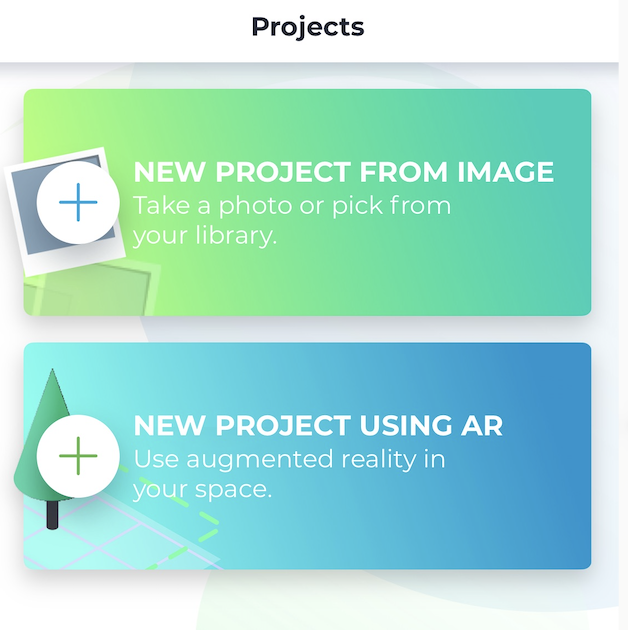
Open the iScape app and select how you want to start your design. You can:
- Scan your front yard with Augmented Reality (AR) mode for a real-time layout.
- Take a new photo or upload one from your camera roll.
- Pull your home's image from Google Street View for a perfect perspective.
Within seconds, you'll see your space on screen—ready for a complete makeover.
2. Define the Structure
Start by adding hardscape elements that shape your front yard. Drag and drop walkways, driveways, retaining walls, or porch accents to frame the design. You can visually adjust the size, shape, and placement of each object to match your layout.
While iScape helps you visualize how these elements might fit, it does not automatically scale or provide exact measurements to your yard’s dimensions. Be sure to verify sizing and materials on-site before construction.
3. Add Plants for Color and Texture
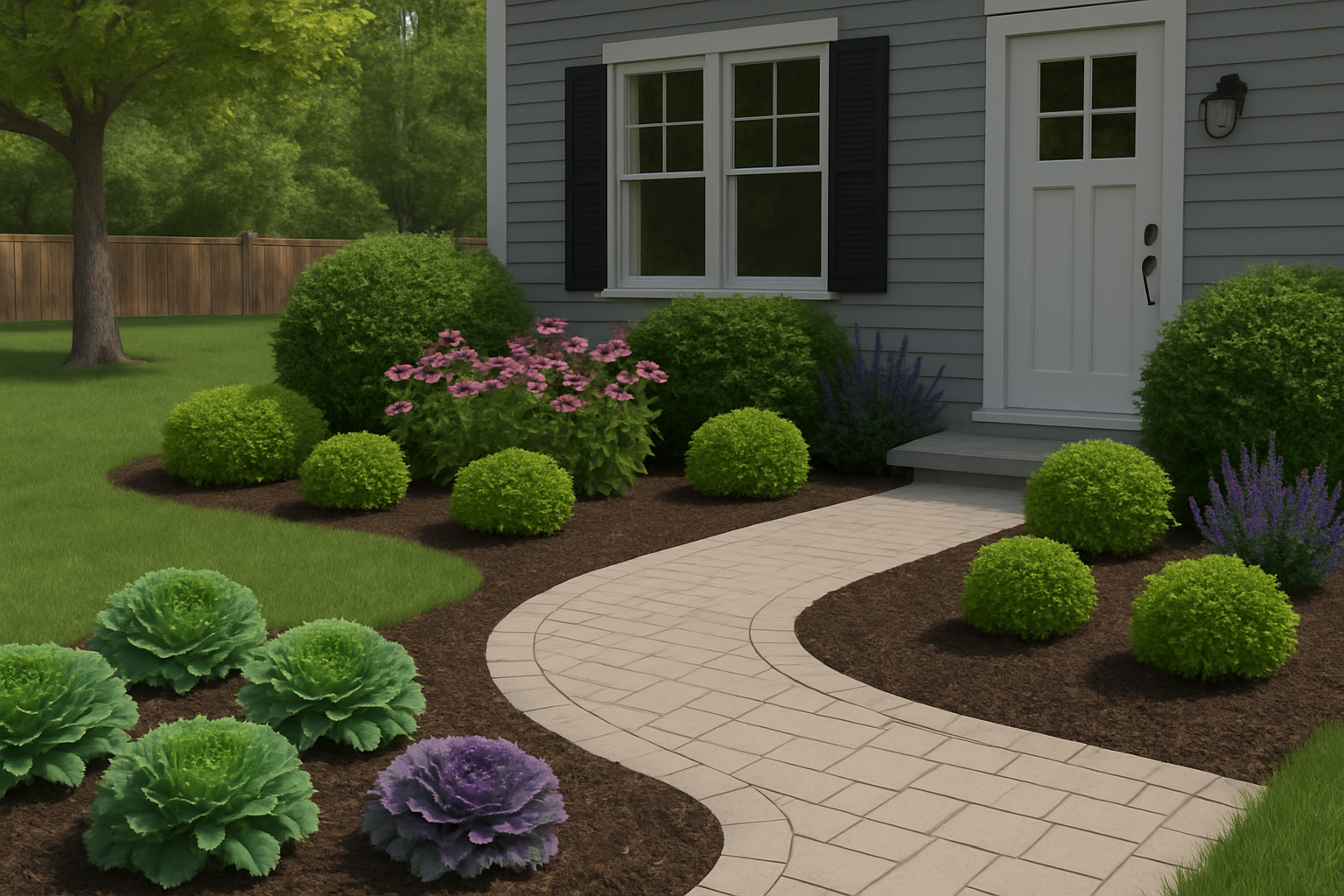
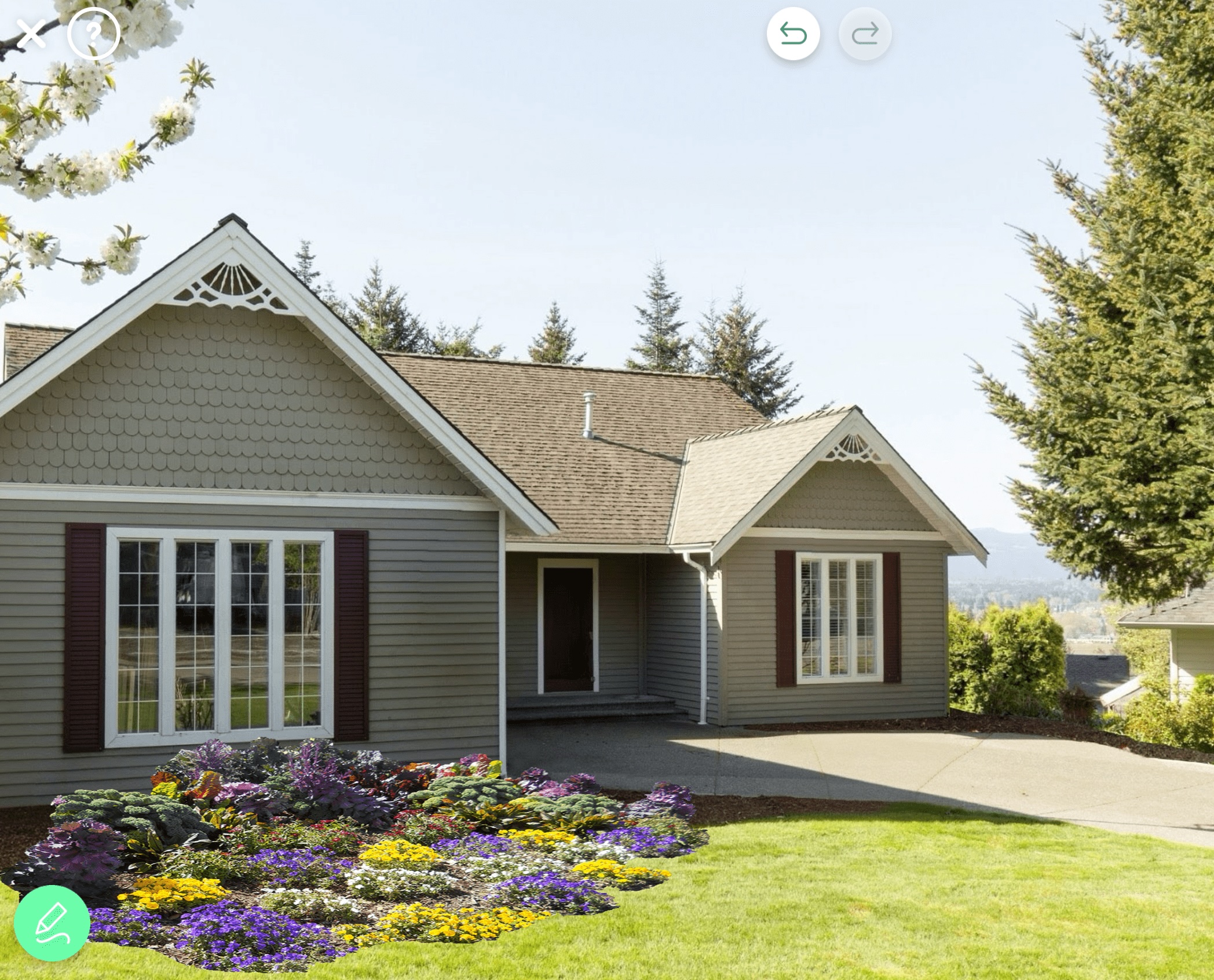
Next, layer in plants to bring your design to life. Use iScape’s plant library to add shrubs, flowering perennials, ornamental grasses, and trees to your design. Test how different varieties look together before making a purchase.
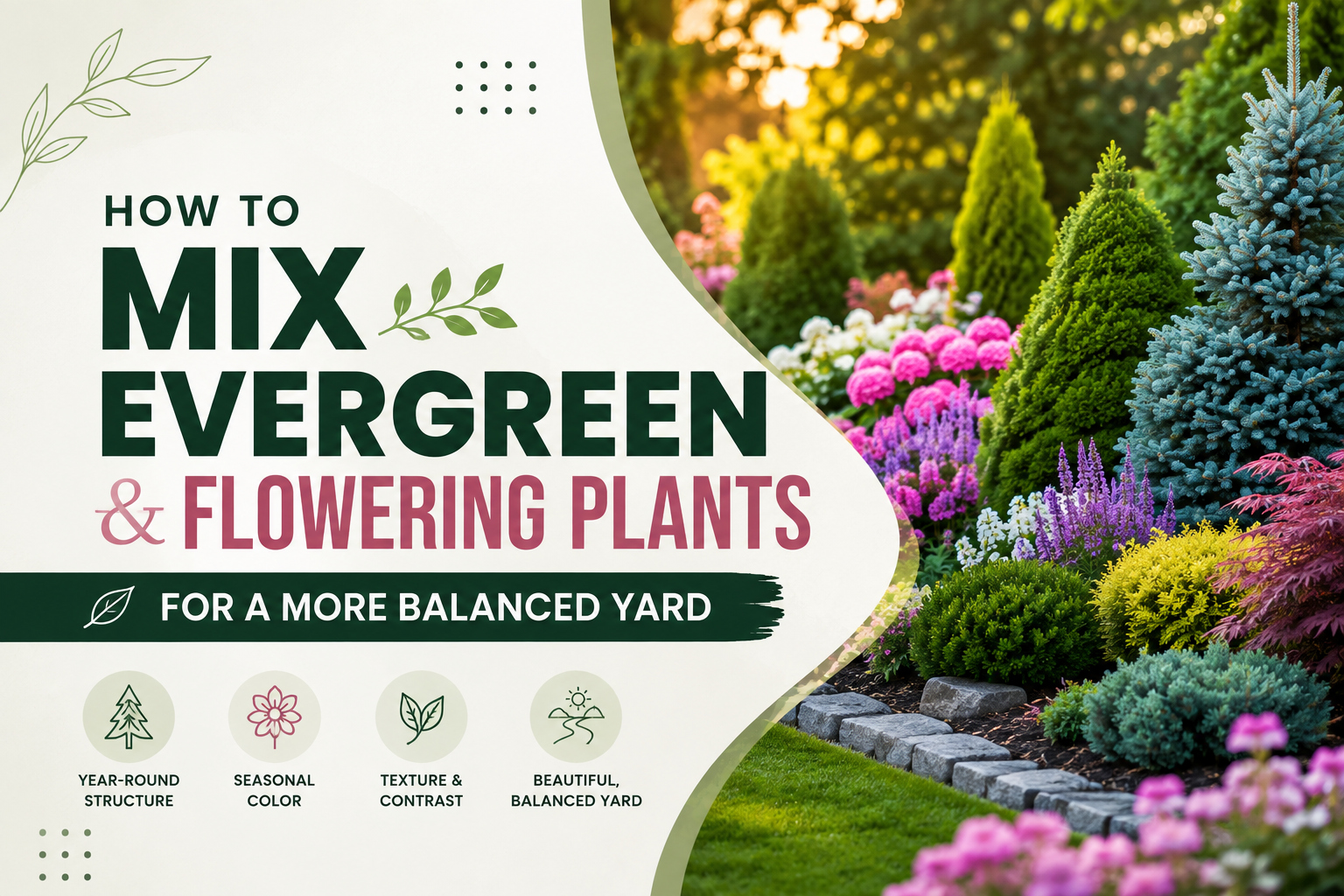
For example, you could use a mix of evergreen foundation plants for structure and colorful blooms to add a seasonal pop. Consider pairing a boxwood hedge with a variety of hydrangeas for a classic look.
Pro Tip: Balance both sides of your entryway to create symmetry—it’s one of the easiest ways to boost curb appeal instantly.
4. Light It Up
Good lighting can turn an ordinary front yard into a showpiece. Use iScape to visualize pathway lights, uplighting for trees, or soft porch fixtures that enhance your home’s architecture.
Test warm vs. cool tones to see which complements your exterior best—without ever installing a bulb.
5. Clean and Refine Your Image
Before saving your design, use iScape’s Magic Eraser to remove distractions, such as cars, trash cans, or clutter, from the photo. Simply select the unwanted elements and watch them disappear, leaving a clean canvas for your new design to take center stage.
6. Save, Share, and Start Building
Once you finalize your front yard plan, iScape makes it easy to save your project and share it directly from the app. You can send it to contractors for quotes or share it with friends for feedback, keeping you organized and in control of your design process.
When you design with iScape, you move from idea to action faster than ever. Your curb appeal upgrade starts looking real before a shovel even hits the ground—helping you make confident design decisions with clarity and ease.
Transform Your First Impression
Your front yard is your home's handshake. iScape helps you design confidently, experiment freely, and build a look that fits your style and budget.
Download iScape on the App Store or Google Play Store today and start creating curb appeal that turns heads.