Planning a beautiful home garden is exciting, but it can also feel confusing when you do not know where to start. You may have ideas for flowers, lawn areas, walkways, seating spaces, lighting, or privacy plants, but turning those ideas into a clear garden layout is not always easy.
This is where a landscape design app can make the process much simpler. Instead of guessing how your garden might look, you can visually plan the space, test different layouts, compare plant combinations, and make better design decisions before you spend money on materials or landscaping work.
A good garden plan is not only about choosing attractive plants. It is about understanding your space, sunlight, soil, walking areas, outdoor use, maintenance needs, and long-term plant growth. A landscape design app helps bring all these details together in one clear visual plan.
Why Use A Landscape Design App For Home Garden Planning?
Many homeowners start garden projects by buying plants first and thinking about design later. This often leads to overcrowded flower beds, poor plant placement, mismatched colors, drainage problems, or wasted money on plants that do not survive.
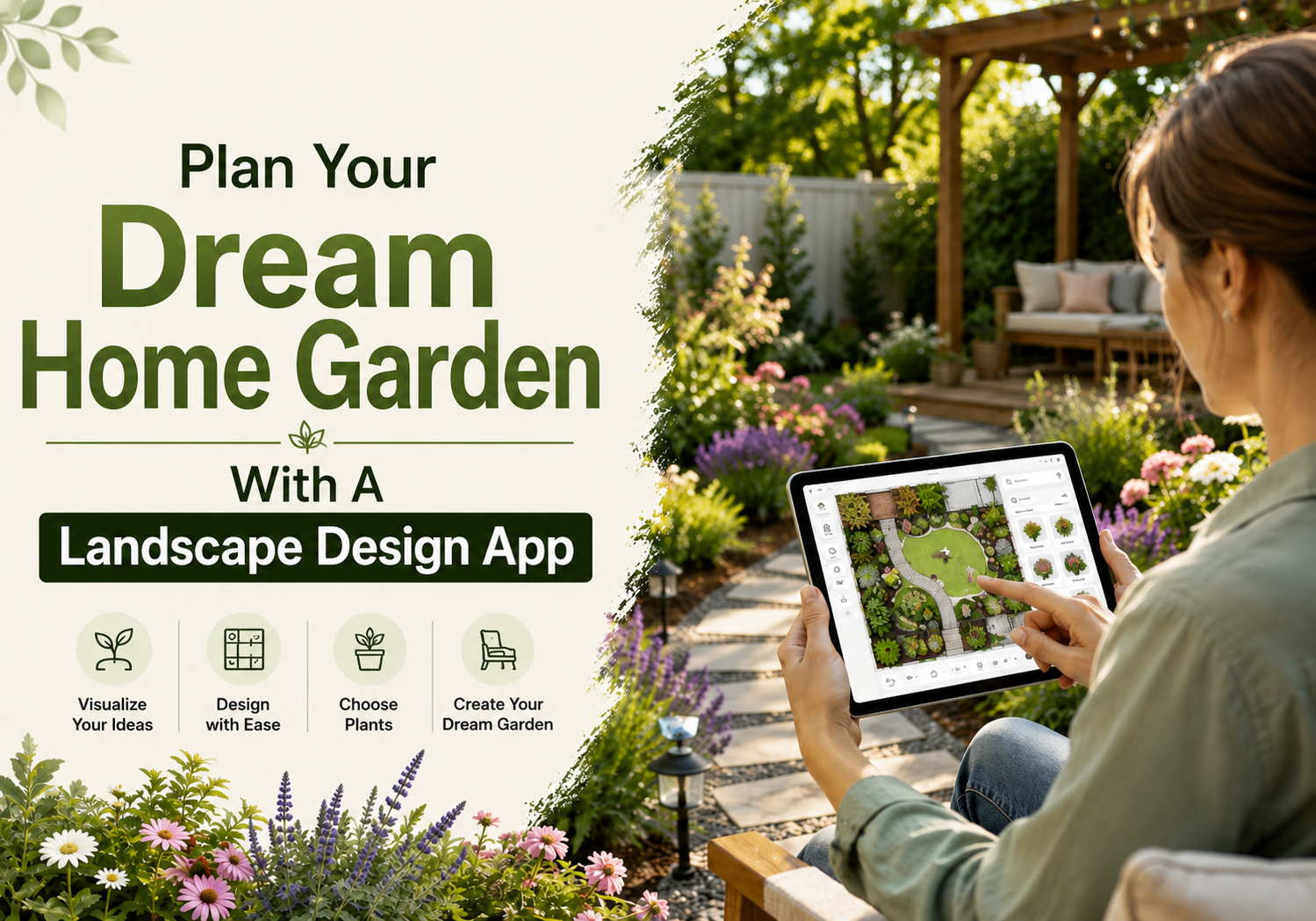
A landscape design app helps you plan before you plant. It allows you to see how different garden ideas will look in your actual outdoor space. With a landscape design app, you can:
- Visualize your garden layout before making changes
- Test different plant, tree, and flower placements
- Plan walkways, patios, borders, and seating areas
- Compare different design styles
- Avoid overcrowding plants
- Improve curb appeal
- Plan around sunlight, shade, and space
- Share your design with family members, contractors, or landscapers
The biggest benefit is clarity. You can move from “I think this will look good” to “I can see how this will look.”
Start With A Clear Garden Goal
Before opening a landscape design app, think about what you want your home garden to do for you. A beautiful garden should match your lifestyle, not just look good in photos. Ask yourself:
- Do you want a colorful flower garden?
- Do you want a low-maintenance front yard?
- Do you need a relaxing backyard seating area?
- Do you want space for kids or pets?
- Do you want to grow herbs or vegetables?
- Do you need more privacy from neighbors?
- Do you want to improve your home’s curb appeal?
Your goal will guide the entire design. For example, a garden made for entertaining needs open seating space, lighting, and clear walking paths. A front yard garden may need strong curb appeal, layered planting, and a clean entryway. A low-maintenance garden should focus on hardy plants, simple borders, mulch, and easy watering.
Take A Photo Or Create A Base Layout
Most landscape design apps allow you to start with a photo of your yard or create a design from a blank layout. This becomes your base plan.
Take a clear photo of your garden area during the day. Try to capture the full space, including fences, walls, lawn, trees, driveway, walkways, and the front or back of your home. When creating your base layout, include:
- Existing trees and shrubs
- Lawn areas
- Walkways and driveways
- Patio or deck space
- Fences and walls
- Garden beds
- Utility areas
- Slopes or uneven ground
- Doors, windows, and entry points
This helps you design around the real conditions of your home instead of working from imagination alone.
Study Sunlight And Shade Before Adding Plants
Sunlight is one of the most important parts of garden planning. A plant that needs full sun may struggle in shade, while a shade-loving plant may burn in strong afternoon sunlight. Before finalizing your garden design, observe your yard at different times of the day. Look for:
- Full sun areas that get 6 or more hours of direct sunlight
- Partial sun areas that get 3 to 6 hours of sunlight
- Shade areas under trees, walls, fences, or buildings
- Hot spots near driveways, patios, or walls
- Windy corners or exposed spaces
Once you understand the light conditions, use your landscape design app to place plants where they are more likely to grow well.
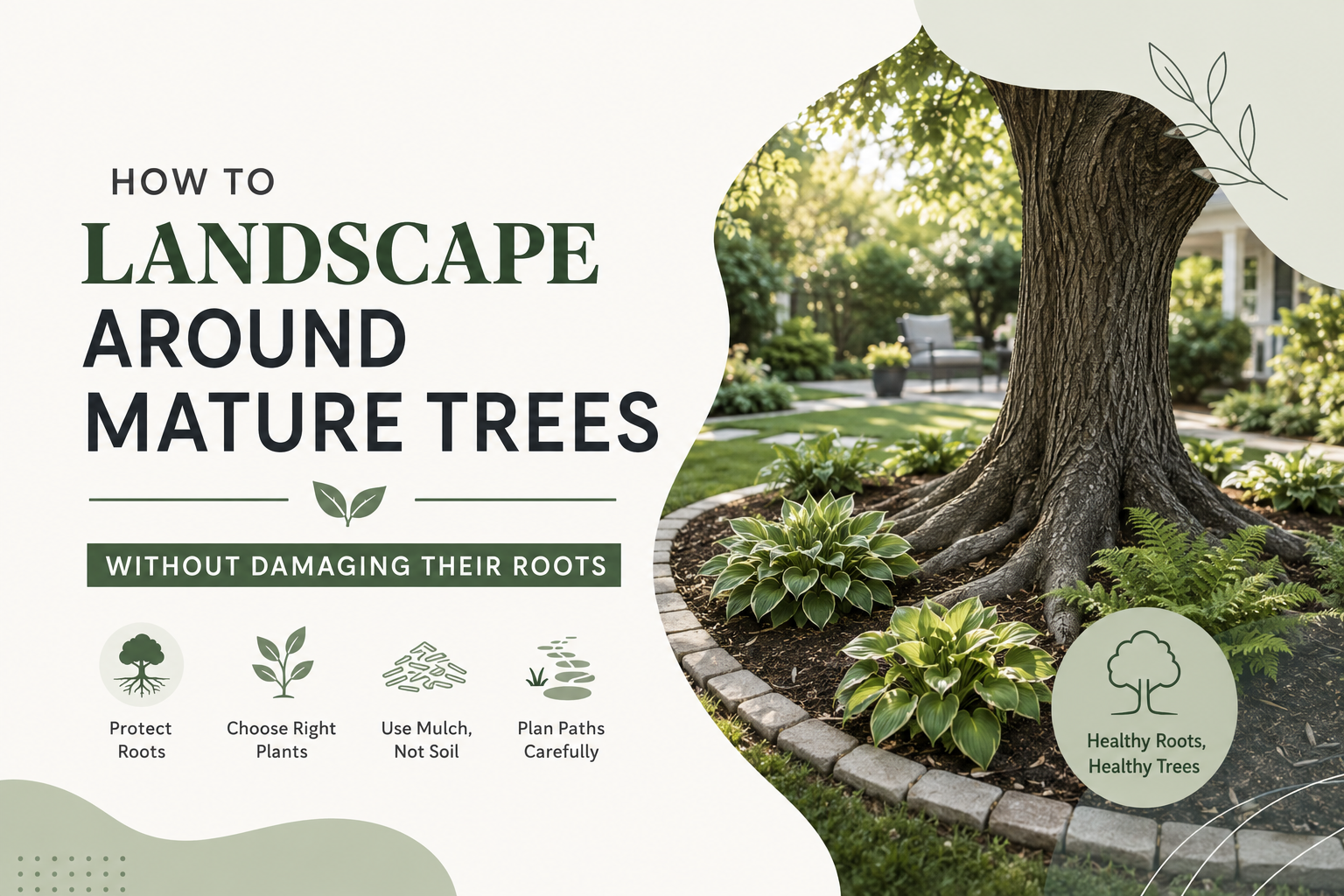
For example, sun-loving flowers can be placed along bright borders, while hostas, ferns, or shade-tolerant plants can be placed under trees or near shaded walls.
Divide Your Garden Into Functional Zones
A well-designed garden usually has different zones. Each zone has a purpose and helps the outdoor space feel more organized. Common home garden zones include:
- Entryway garden
- Flower beds
- Lawn area
- Patio or seating space
- Vegetable or herb garden
- Privacy planting
- Play area
- Fire pit or outdoor dining space
- Pathway or walkway zone
- Storage or utility corner
Use your landscape design app to separate these zones visually. This will help you avoid a cluttered design and make the garden feel more intentional. For example, the front yard may have a clean pathway, foundation plants near the house, seasonal flowers near the entry, and a small tree for height. The backyard may include a patio, soft border plants, lighting, and a private seating corner.
Choose A Garden Style Before Selecting Plants
A garden looks more beautiful when all parts of the design feel connected. Choosing a style helps you pick the right plants, colors, materials, and layout. Popular home garden styles include:
- Modern Garden: Clean lines, simple plant groups, gravel, pavers, structured shrubs, and minimal clutter.
- Cottage Garden: Colorful flowers, layered planting, curved beds, soft edges, and a relaxed natural feel.
- Tropical Garden: Large leaves, bold textures, lush greenery, and warm outdoor elements.
- Low-Maintenance Garden: Hardy plants, mulch, simple shapes, fewer lawn areas, and easy-care shrubs.
- Formal Garden: Symmetry, trimmed hedges, straight paths, balanced plant placement, and defined borders.
- Natural Garden: Native plants, soft planting groups, pollinator-friendly flowers, and organic shapes.
A landscape design app allows you to test different styles before choosing one. You can try a modern layout, then compare it with a softer garden style to see which suits your home better.
Plan The Main Structure First
Before adding flowers and small details, focus on the main structure of the garden. This includes large design elements that shape the space. Start with:
- Trees
- Large shrubs
- Pathways
- Patio areas
- Lawn shape
- Garden bed borders
- Seating areas
- Fences or privacy screens
- Retaining walls
- Water features
These elements create the foundation of your garden. Once the structure is correct, smaller plants and decorative details become easier to place. A common mistake is starting with flowers first. Flowers add beauty, but they should support the overall layout, not carry the entire design.
Use Layers For A Fuller Garden Look
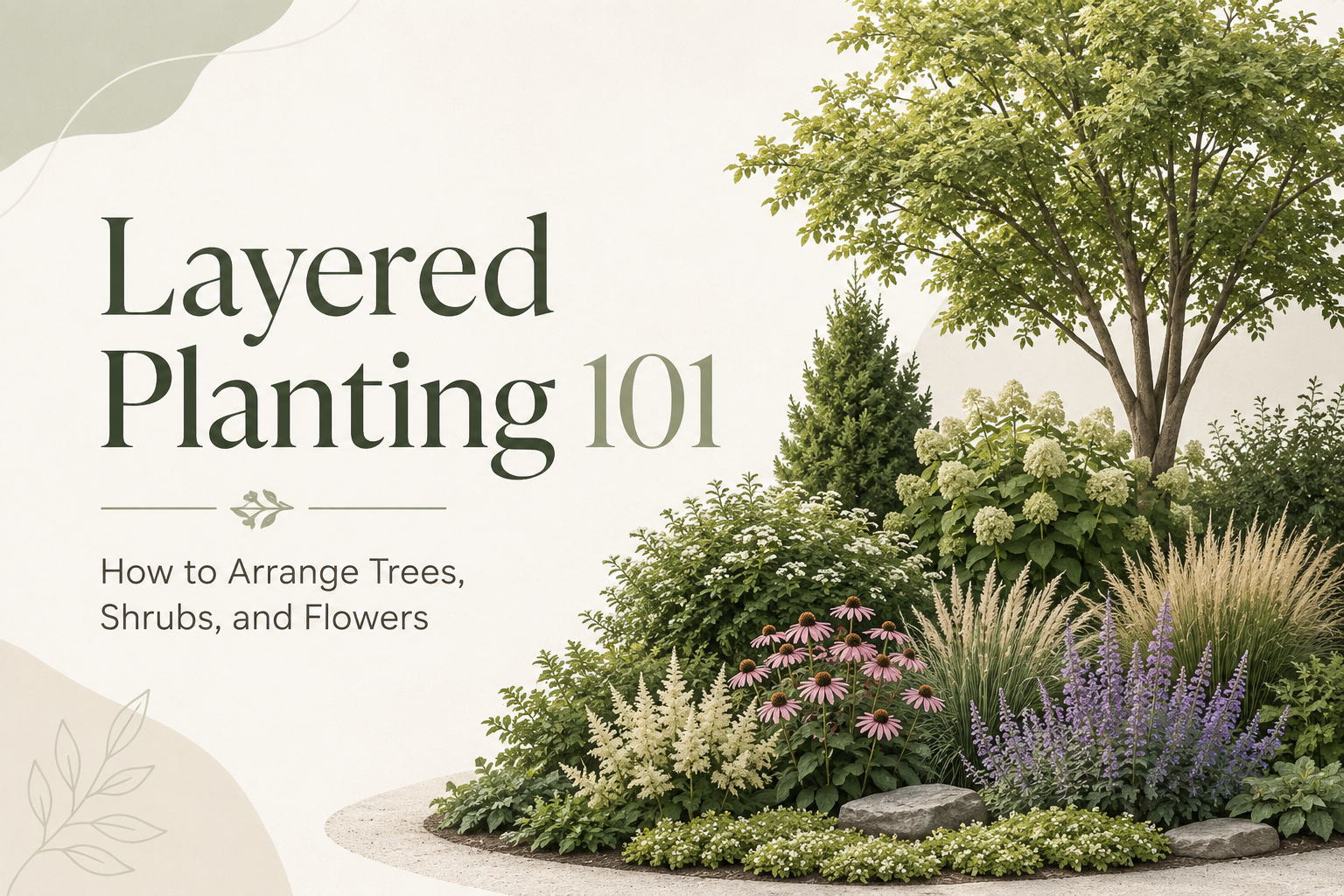
Layering is one of the easiest ways to make a garden look professional. Instead of placing all plants at the same height, use different plant sizes to create depth. A simple garden layering method:
Back Layer: Tall plants, small trees, hedges, or privacy shrubs
Middle Layer: Medium-sized shrubs, ornamental grasses, and flowering plants
Front Layer: Groundcovers, low flowers, edging plants, or small perennials
This works especially well along fences, walls, front foundations, and garden borders. For example, you can place taller shrubs near the back, medium flowers in the center, and low border plants near the walkway. In a landscape design app, you can visually test this arrangement and adjust plant positions before planting.
Plan Walkways And Movement
A beautiful garden should also be easy to walk through. Pathways guide movement and make the space more practical. Use your design app to plan:
- A clear path from the driveway to the front door
- Walkways around flower beds
- Access to seating areas
- Garden paths for maintenance
- Safe walking space around steps or slopes
- Connection between patio, lawn, and garden beds
The path should feel natural. Avoid placing plants where people need to walk often. Also, keep enough space between shrubs and walkways so plants do not grow over the path later.
Pick Plants Based On Space, Not Just Appearance
A plant may look small when you buy it, but it can become much larger over time. If you place plants too close together, the garden may look crowded after one or two seasons. When choosing plants, consider:
- Mature height
- Mature width
- Sunlight needs
- Water needs
- Soil preference
- Growth speed
- Seasonal color
- Maintenance level
- Root spread
- Safety for pets and children
A landscape design app helps you see how plants may fit within the garden layout. This makes it easier to avoid overcrowding and leave proper spacing. For example, if a shrub grows 4 feet wide, it should not be placed too close to a walkway, window, or another large plant.
Add Seasonal Interest
A beautiful home garden should not look good for only one month of the year. Try to include plants and features that add interest in different seasons. You can plan for:
- Spring flowers
- Summer color
- Fall foliage
- Evergreen shrubs
- Winter structure
- Ornamental grasses
- Flowering trees
- Seasonal containers
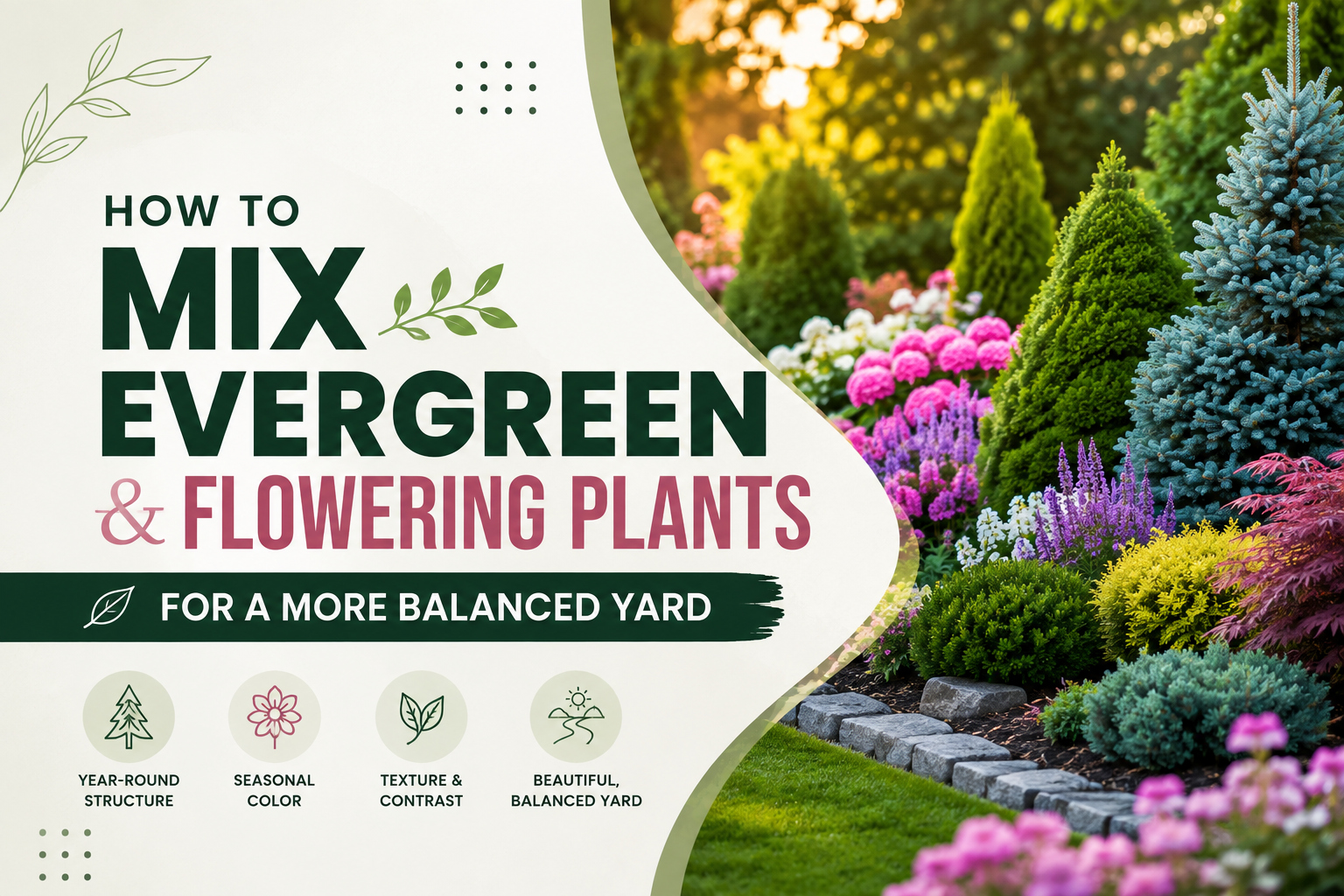
Use your landscape design app to test how your garden will look with different plant combinations. A balanced garden has a mix of evergreen structure, seasonal flowers, and long-lasting foliage.
Balance Hardscape And Softscape
Hardscape means the non-living parts of the garden, such as patios, pavers, gravel, stones, retaining walls, pathways, edging, and decks. Softscape means living elements like plants, trees, grass, shrubs, and flowers. A strong garden design needs both.
Too much hardscape can make the space feel dry or harsh. Too many plants without structure can make it feel messy. A landscape design app helps you balance both by showing how plants, paths, and outdoor features work together. Good hardscape ideas for home gardens include:
- Stone walkways
- Gravel paths
- Patio seating areas
- Raised beds
- Garden edging
- Stepping stones
- Retaining walls
- Decorative borders
Good softscape ideas include:
- Flowering shrubs
- Groundcovers
- Perennials
- Small trees
- Lawn patches
- Native plants
- Ornamental grasses
Plan Garden Lighting Early
Lighting is often added at the end, but it should be planned early. Good lighting makes the garden safer and more beautiful in the evening. You can use lighting to highlight:
- Walkways
- Entryways
- Trees
- Flower beds
- Steps
- Patio seating
- Water features
- Garden borders
In your design app, mark the areas where lighting would improve safety or visual appeal. This helps you avoid dark corners and creates a more finished garden design.
Think About Watering And Drainage
A garden can look beautiful in the design stage but fail if watering and drainage are ignored. Before finalizing your plan, think about how water moves through your yard.
Check for:
- Areas where water collects
- Dry spots that need extra irrigation
- Sloped areas where water runs off quickly
- Plants with similar water needs
- Mulch areas to hold moisture
- Drainage near patios or walkways
Place plants with similar watering needs together. This makes maintenance easier and helps prevent overwatering or underwatering.
Use iScape To Visualize Your Garden Before You Build
iScape can help homeowners plan their garden with more confidence by turning ideas into clear visual designs. Instead of trying to imagine how plants, pathways, lawn areas, borders, or outdoor features will look, you can preview them in your own space.
With iScape, you can test different garden layouts, try plant combinations, adjust design elements, and compare ideas before starting the actual work. This is especially useful when you are planning a front yard refresh, backyard garden, patio border, flower bed, or full outdoor makeover. iScape can help you:
- See your garden ideas before spending money
- Plan plant placement more clearly
- Try different design styles
- Compare before-and-after visuals
- Share your design with family or professionals
- Avoid costly layout mistakes
- Make better decisions before planting or building
For homeowners, it makes garden planning easier and more visual. For professionals, it can also help present ideas more clearly to clients.
Common Garden Planning Mistakes To Avoid
Even with a landscape design app, you need to make thoughtful choices. Avoid these common mistakes:
- Choosing Plants Only For Color: Color matters, but plant size, sunlight needs, water needs, and maintenance are just as important.
- Ignoring Mature Plant Size: Small plants can grow much larger over time. Always leave enough space.
- Adding Too Many Ideas In One Area: A garden with too many features can look crowded. Keep the layout clean and focused.
- Forgetting Walkway Space: Make sure people can move comfortably through the garden.
- Not Planning For Maintenance: A beautiful garden should match the time you can spend caring for it.
- Ignoring Your Home’s Style: Your garden should match the look of your house, not feel like a separate design.
- Skipping A Budget Plan: Visualize the design first, then decide what to build now and what to save for later.
Build Your Garden In Phases
You do not need to complete the entire garden at once. A landscape design app allows you to create a full vision and then build it step by step. You can start with:
- Cleaning the existing space
- Creating garden bed shapes
- Adding key shrubs or trees
- Installing walkways or edging
- Adding flowers and groundcovers
- Placing mulch
- Adding lighting or seating
- Updating seasonal plants later
This approach makes the project more affordable and less stressful. It also allows you to adjust the design as your garden grows.
Final Thoughts
Planning a beautiful home garden becomes much easier when you can see your ideas before making changes. A landscape design app helps you organize your space, test layouts, choose better plant placements, and avoid costly mistakes.
The best garden designs are not built by guesswork. They are planned around sunlight, soil, space, movement, maintenance, and the way you want to use your outdoor area.
Whether you are refreshing a small front yard, designing a colorful flower bed, improving your backyard, or planning a full garden makeover, a landscape design app like iScape can help you move from rough ideas to a clear, visual plan with more confidence.
Design first in iScape, then buy, then build. Download iScape on the App Store or Google Play Store today and start designing your front yard now!